Your pit lane strategist, on your desk
Control Decks
Proper plugins for your deck, not icon packs. Live telemetry drawn on the keys, pit stops and race control at a press, and effects in phase with your DNR LEDs. Dedicated plugins for Elgato Stream Deck, Ulanzi Deck and Mirabox Stream Dock.
Turn your deck into a race engineer
Your deck should not be a wall of pretty shortcuts. Our Control Deck plugins connect it straight to the DNR SimHub plugin, so every key can show live race data and every press can change something real, in the sim and in the plugin.
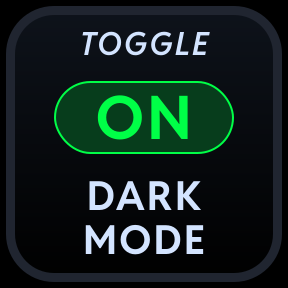
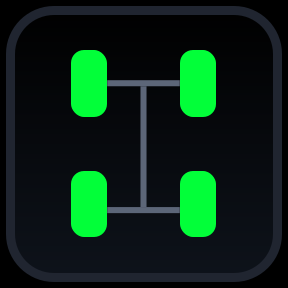
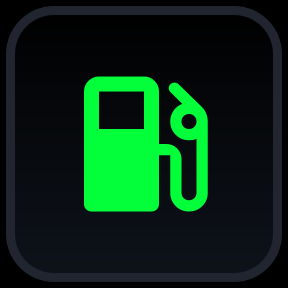
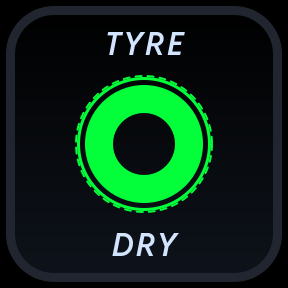
Live telemetry on every key
Fuel, tyres, delta, gaps, positions, laps and more, drawn straight onto the keys and updated live as you drive. Glance down and the answer is already there.
DNR Plugin
Two way control of the plugin
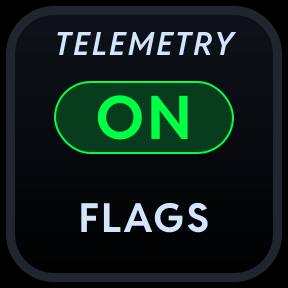
Every key talks to the DNR SimHub plugin both ways. Press a key and the plugin changes, change the plugin and the key follows. The deck always shows the true state.
Pit service at a press
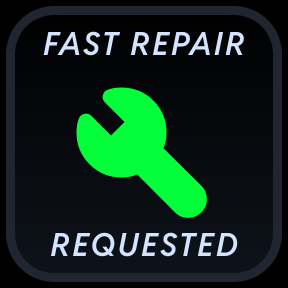
Build your next iRacing pit stop from the deck. Tyres, fuel and repairs, dialled in without opening a single black box while you are flat out.
Race Director on your desk
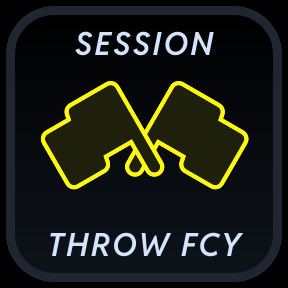
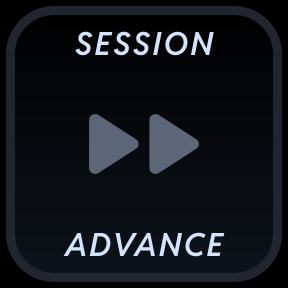
Run your iRacing league nights like a real race director. Advance sessions, deploy the pace car, wave cars by and manage the field, all from the keys.
Effects in phase with your LEDs
Redline flash and flag effects pulse on the deck in perfect time with your DNR LED devices, so your whole rig lights up as one.
Cameras, replays and hotkeys
Flick between cameras and drivers, control replays, and fire any key combination at the sim when you just need a plain old button.
Drag it on. Choose what it does.
Setting up a key takes seconds. Drag a DNR action onto any key, then choose its behaviour: a live display read-out, an action that reacts to live data, or a hotkey with your own image or one of our 157 icons.
Daniel Newman Racing
 DNR Display
 DNR Toggle
 DNR iRacing Actions
 DNR Hotkey
 DNR Custom Hotkey
 DNR Colour

DNR Display
Choose what this key does
- 1
Daniel Newman Racing
- DNR Display
- DNR Toggle
Pick an action
Choose a DNR action from the list, just like any Stream Deck action.
- 2
Drag it onto a key
Drop it on the key you want to populate. That key now belongs to your race.
- 3Display read-outLive data actionHotkey
Choose its behaviour
A display read-out, a live data action, or a hotkey with your own image or one of ours.
157 icons, painted your way
Every hotkey can carry your own image or one of the 157 ready-made icons in the library, recoloured to any of the nine colours in the picker. Try it below.
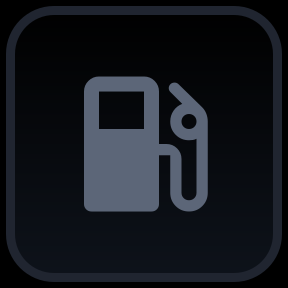
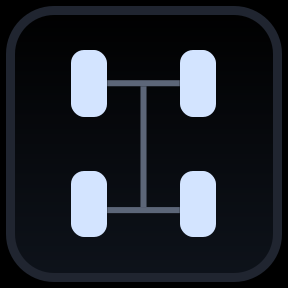
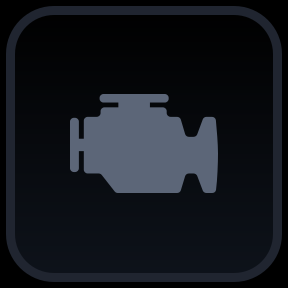
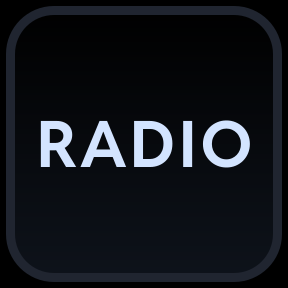


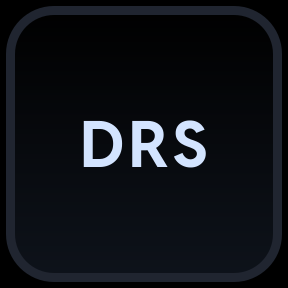

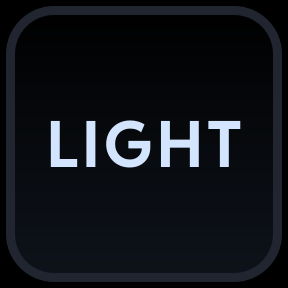
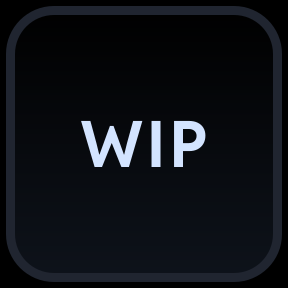
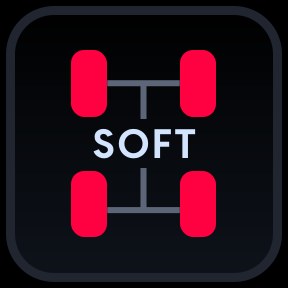
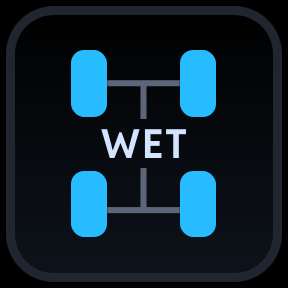
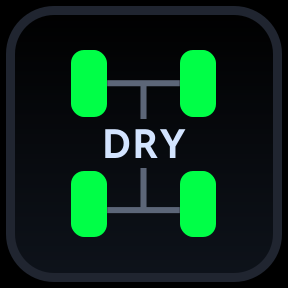
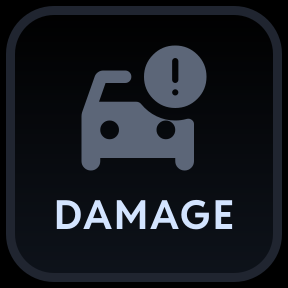

A few of the 157 icons in the library
Every icon, in your colours
Pick a colour and watch the icons repaint. This is the same painter the apps use on the real keys: nine colours, applied to the text, border and glyph of any icon in the library.
Try me, tap a colourNeutral shows each icon exactly as authored, just like the key itself does.
These are not icon packs
Plenty of deck profiles are just pictures sat on top of keyboard shortcuts. Every Control Deck is a full plugin with a live connection to SimHub. The keys render your real telemetry, react to what is happening in the sim, and press back into the DNR plugin itself.
A basic icon pack
- Static images that never change while you race
- Buttons that just fire keyboard shortcuts and hope
- No idea what is happening in your sim or your plugin
DNR Control Decks
- Live telemetry rendered on the keys in real time
- A true two way link with the DNR SimHub plugin
- Keys that react instantly to flags, limits and state changes
Every key comes from one of these action families
Live read-outs
Fuel, tyres, timing, gaps, positions, flags and weather, all drawn on the keys as you drive.
Plugin control
Switch DNR features on and off from the deck, with every key showing the real current state.
Pit service
Set up your next iRacing stop, tyres, fuel and repairs, without touching an in-sim menu.
Race Director
iRacing session admin from the deck. Advance sessions, pace car, wave arounds and more.
Cameras and replay
Jump between cameras, drivers and replays without taking your hands off the wheel for long.
Hotkeys and macros
Send any key press or combination to the sim for everything else on your list.
Your telemetry effects, on the deck
The effects that run on your DNR LEDs run on your deck too, with the same colours and the same timing, so the whole rig reacts as one.
Three plugins. Whatever deck you own.
Every family of hardware gets its own dedicated plugin, so you get the same actions and the same live read-outs whichever deck sits on your desk.
Elgato Stream Deck
A dedicated DNR plugin for the original. Full support across current Stream Deck models, built on Elgato's official SDK.
Ulanzi Deck
A dedicated DNR plugin built for Ulanzi stream controllers, with the same actions and live read-outs as every other deck.
Mirabox Stream Dock
A dedicated DNR plugin for Mirabox Stream Dock hardware, which also covers Ajazz and other third party clone decks.
From membership to a live command deck
Control Decks take a Team Driver membership, the DNR SimHub plugin and the plugin for your deck.
- 1Team DriverAnd aboveJoin
Go Team Driver
Control Decks is included with Team Driver and Team Principal memberships.
- 2DNR Plugin78%
Install the DNR plugin
Add the DNR SimHub plugin. It is the engine that feeds your deck live telemetry.
- 3ElgatoUlanziDock
Add your deck plugin
Install the DNR plugin built for your hardware, Elgato, Ulanzi or Stream Dock.
- 4Live
Updating as you drive
Race with it
Drop the actions onto your keys and they come alive the moment you are in the sim.
Included from Team Driver
The Control Deck plugins come with Team Driver and Team Principal memberships, alongside everything else those tiers unlock. One membership covers all three.
- Team Driver membership or above
- All three Control Deck plugins
- Every action and live read-out
- New actions as they are released
Unlocks with
 Team Driver
 Pit CrewNot included
- Team Driver Control Decks
 Team Principal Control Decks
Ready to put your race on your keys?
Join as a Team Driver, add the SimHub plugin and the plugin for your deck, and your next session comes with its own strategist.